
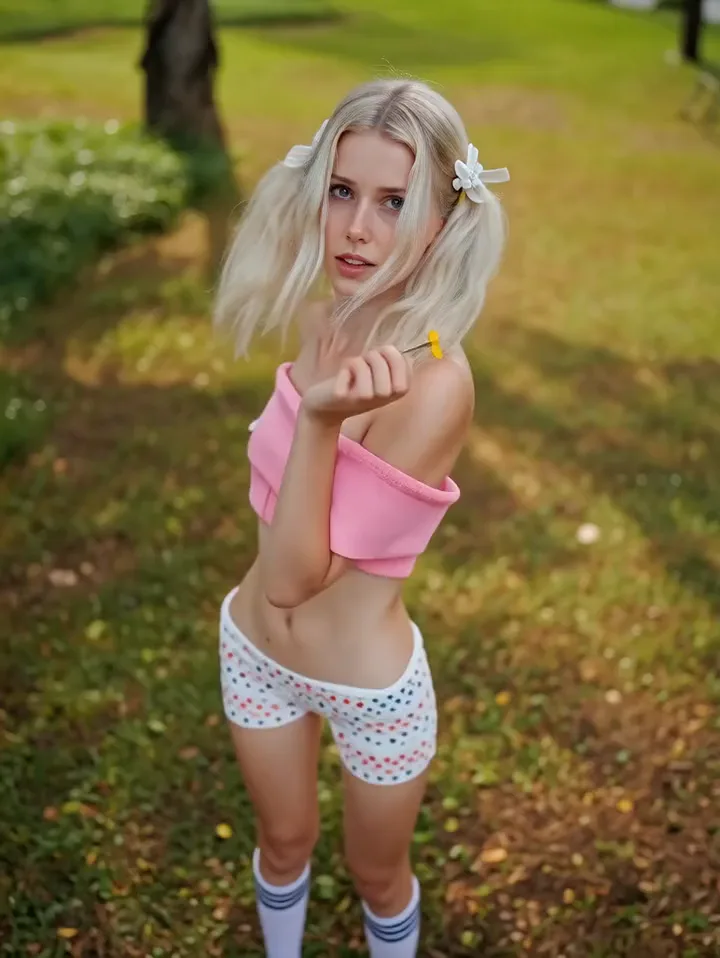
 Photo
PhotoCharacter portrait
The hero's face comes alive: a gaze, a breath, a slight turn of the head.
Turn a single shot into a short living video — with expression, gaze and camera movement.
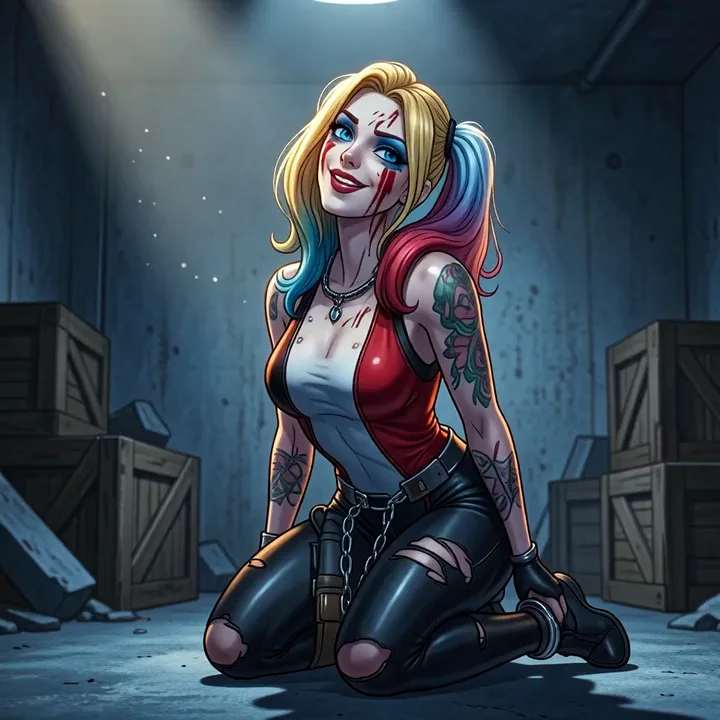 Photo
PhotoOne shot — and it already moves
A portrait, a story scene, anime or art.
A living cover, a story or a looping background.
Upload a photo, pick a movement and get the result.
One photo — three different movements.
PhotoYou writeA blown kiss and an innocent look
You writeLaughing
Ready-made movement modesLive photo
Sound is created together with the movement — no need to record it separately. Turn it on and the shots speak in turn, like a scene.
 Photo
Photo Photo
PhotoThis is not an effect laid over a picture: the neural network draws in frames that were never there, and everything that would move in real life moves.
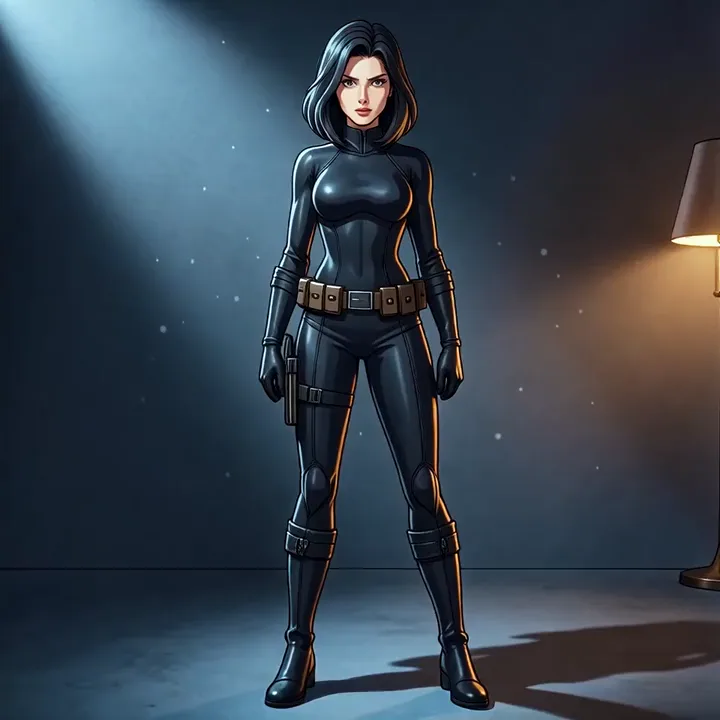 The original shot
Comes alive
Taken from your shot
Movement is set with an ordinary phrase — no jargon, no settings. Under every clip is the description that produced it.
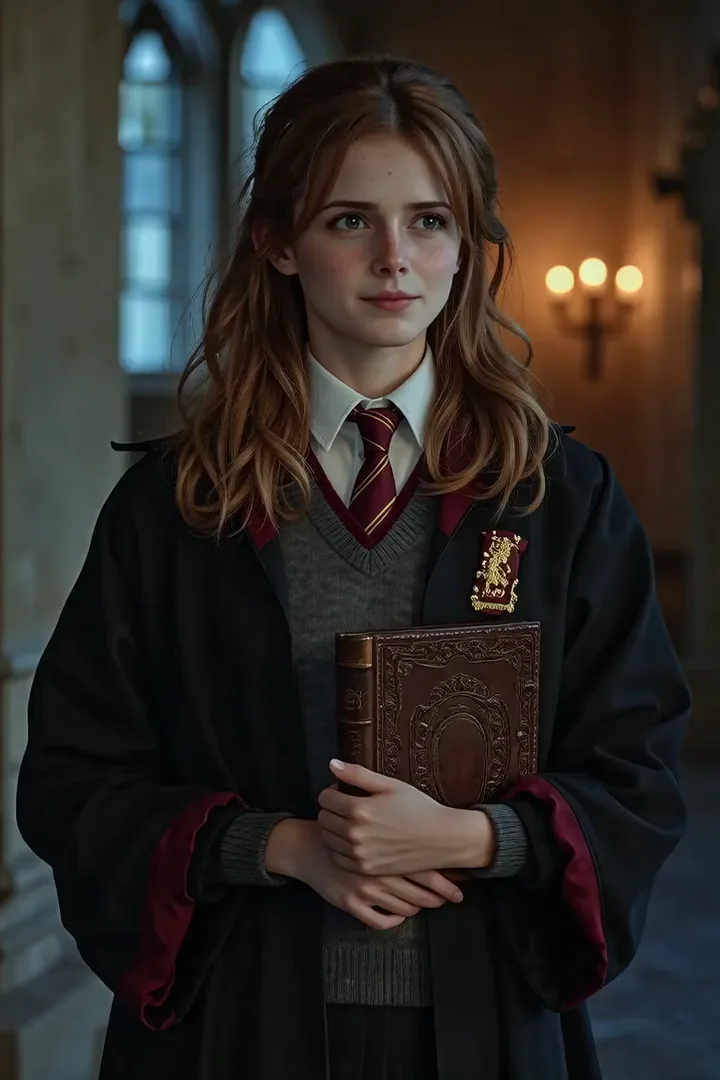 Photo
PhotoShy, with a sweet smile
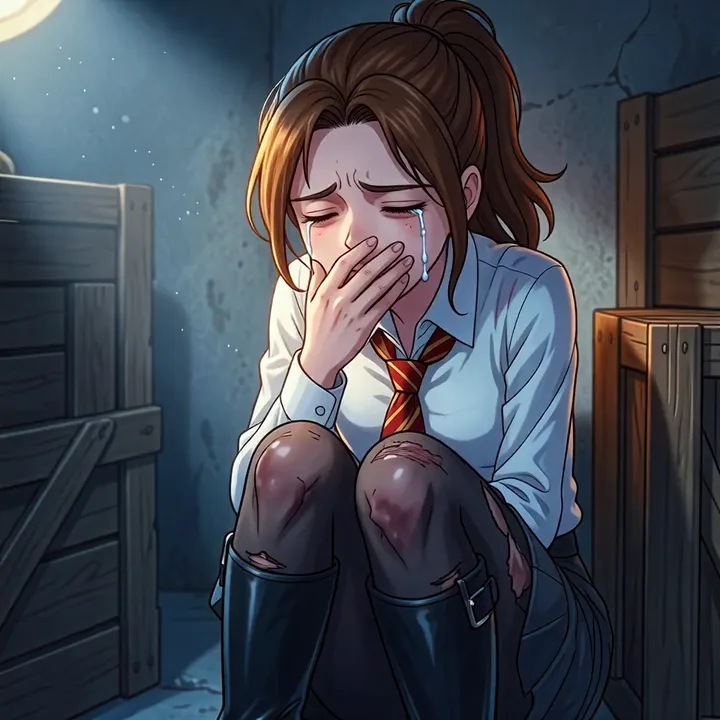 Photo
PhotoCrying, hand over the mouth
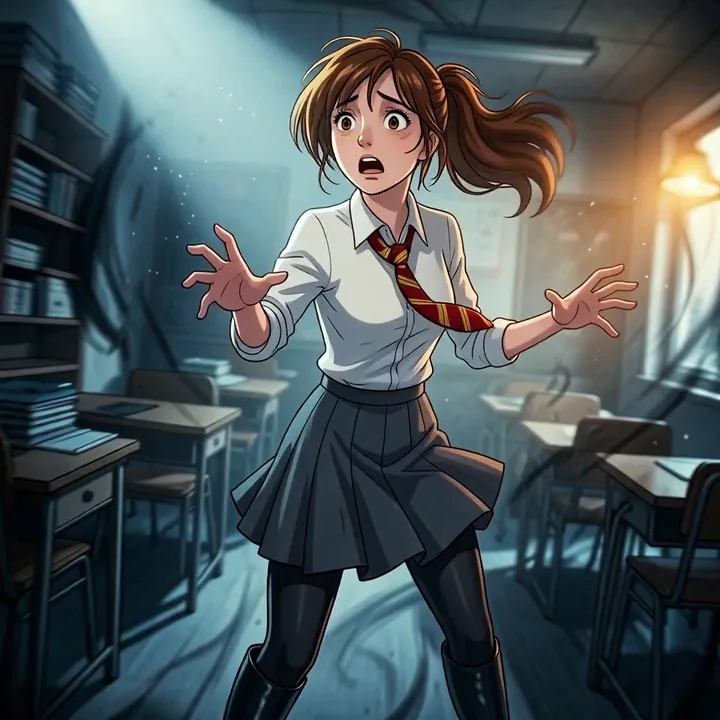 Photo
PhotoA slow push-in and a swirl of space
One word is enough: "laughing" already gives a result. The network also understands details like "covering her mouth with her hand".
Not just portraits. In the corner of every clip is the photo it was made from.
PhotoThe hero's face comes alive: a gaze, a breath, a slight turn of the head.
PhotoA scene illustration becomes a short living moment, together with the setting around the hero.
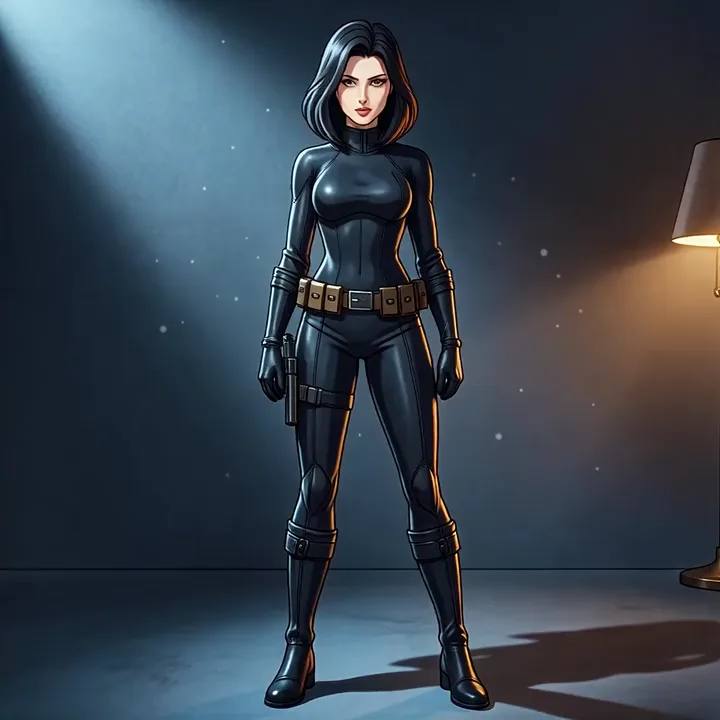 Photo
PhotoA drawn image starts moving; the linework and the style are preserved.
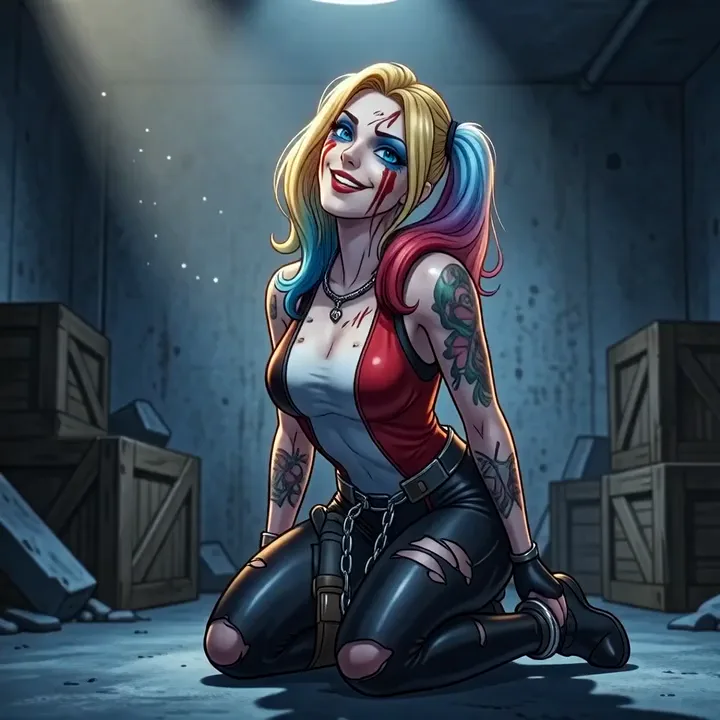 Photo
PhotoA living cover instead of a static picture — the kind people notice in a feed.
Don't feel like wording it? Take a mode. It is a preset for rhythm and camera work — no description needed.
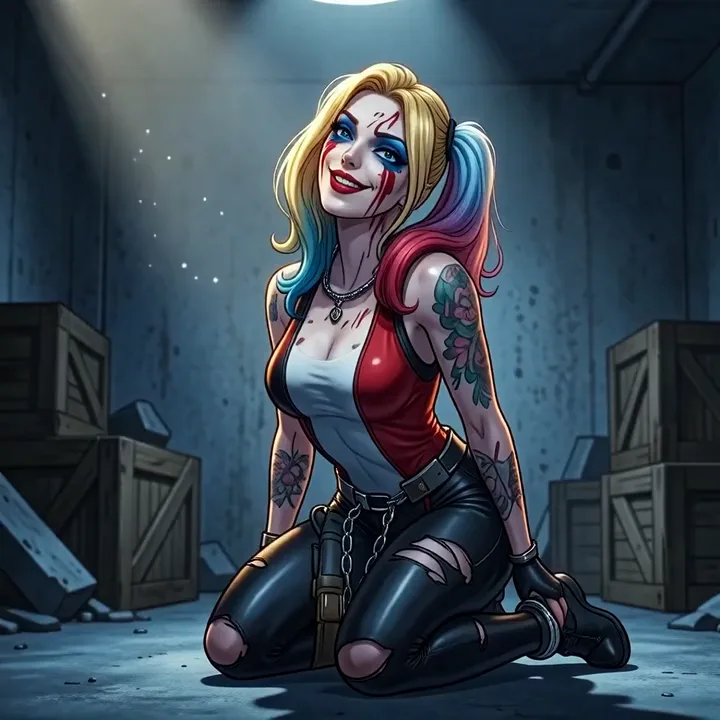 Photo
PhotoSmooth animation: subtle expression and motion, no shot cuts.
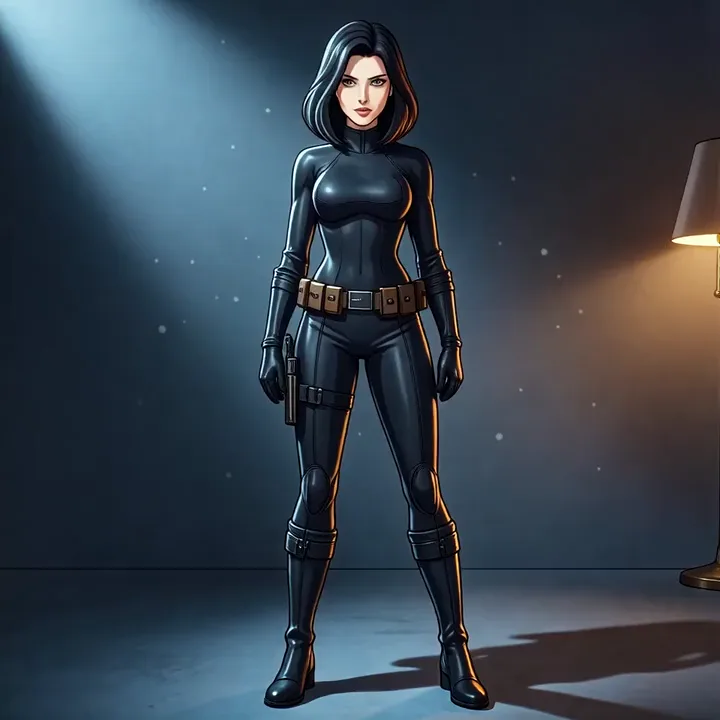 Photo
PhotoOne moment from four angles: wide, close-up face, profile, low angle.
PhotoHard cuts on the motion between angles — the most dynamic rhythm.
A mode is a shortcut, not a frame. Describe the movement in a phrase and get what the list does not have.
Exactly what you get on the way out — no surprises, no fine print. Two seconds makes a living cover, a vertical story or a looping background; no service will build a full clip out of a single photo, and we do not pretend to. Within those limits, though, the quality of the generation is predictable: the same image with the same description gives a comparable result, not a lottery.
This is not an effect laid over a snapshot. The model predicts what the next frame would have been if the camera had never stopped.
The sharper the source shot, the more natural the movement comes out.
The result depends on what you ask for. Here are ready-made descriptions of movement: expression, gaze, breath, wind in the hair, camera work. Take one word for word or rewrite it for your own frame.
The corners of the mouth rise slowly into a warm smile, and the eyes narrow with it. Breathing is even, the shoulders lift almost imperceptibly. The gaze stays in the lens to the end of the shot.
Lowers the eyes, colour rises in the cheeks, the lips twitch into a restrained smile. A moment later the gaze comes back up to the camera and immediately slides away again.
The smile breaks into real laughter: the head tips back, the eyes screw shut, the shoulders shake. A second later the person recovers and wipes the corner of an eye.
Signing up is free, no card — it already puts limits on your balance, enough for your first clips.
The photo you upload and the video you get are visible only to you. We do not put them in the public feed and do not show them to other users without your decision.
A sharp frame where the face is clearly visible and unobstructed works best. The neural network will animate dark, blurry and heavily compressed shots too, but the quality of the source feeds straight into the result.
Yes, there is no limit on the age of the shot: any image from your device goes in. The catalogue below has a separate category of gentle movements for exactly these frames — breath, a blink, a slight turn of the head, with no sharp expression and no cutting. Just note the general rule: the sharper the source, the more precise the result, and a badly damaged or blurred print gives the network less to work from. We do not promise to keep the face: the model may change the features, especially on real photographs, so do not expect an exact likeness to the original. The examples on this page were shot from drawn, AI-generated portraits; none of them is an archive frame.
You do: post it on social media, put it on a cover, use it in your projects. The one condition is that you hold the rights to the source photograph.
Yes — a version with sound is available for a higher cost in limits than a silent clip. Pick whichever fits where the video is going: a silent loop for a cover, sound for a clip meant to be watched with the volume on.
Sign up for free — starter limits land on your balance right away.